AMX — Agentic Metadata Extractor

Every undocumented database has the same problem: nobody knows what anything means. AMX is a self-hosted, agentic CLI that reads your tables, docs, and code together, then drafts evidence-grounded descriptions for every table and column with confidence scores — a whole-warehouse first pass in minutes, not weeks. You review every suggestion before it lands, with a full audit trail. Nothing leaves your network, bring your own LLM.
pip install amx-cli
Three agents. One review.
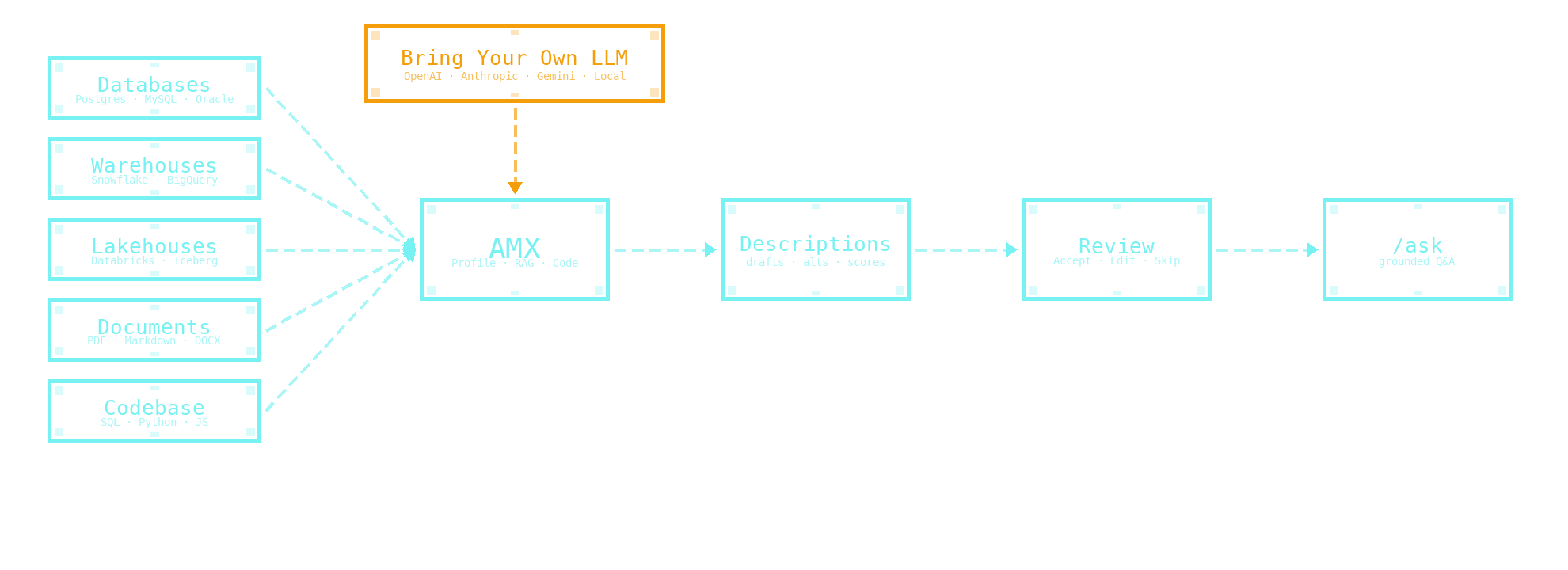
Most metadata tools work column-by-column on the schema alone. AMX runs three specialist agents in parallel — across your database, your documentation, and your codebase — and merges the evidence before a human ever sees a draft.
Multi-source evidence
The Profile agent walks the schema. The RAG agent reads your documentation. The Code agent traces SQL/Python references. Drafts cite the rows the LLM read, so you never get a fabricated column name back.
Self-hosted, BYO-LLM
Runs entirely in your environment. OpenAI, Anthropic, Gemini, Databricks Serving, Ollama, vLLM, LM Studio — your choice. Schema names, sample values, generated descriptions and the audit trail all stay where you started.
Human-in-the-loop
Confidence-scored drafts in batches. Review wizard with bulk-accept, then native COMMENT ON write-back to the warehouse you already speak. Whole-warehouse first-pass in minutes, not weeks.
Two surfaces. One workflow.
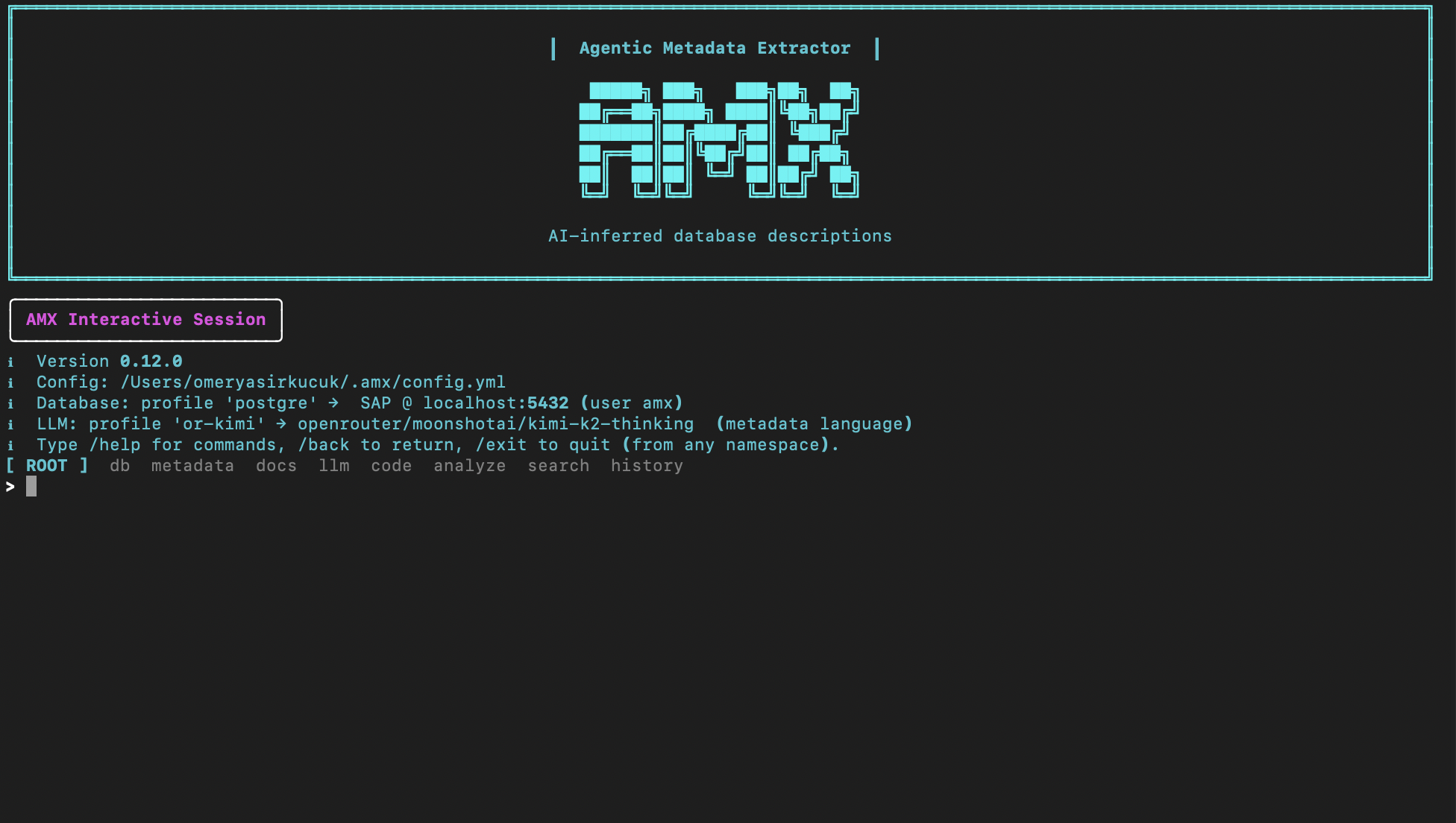
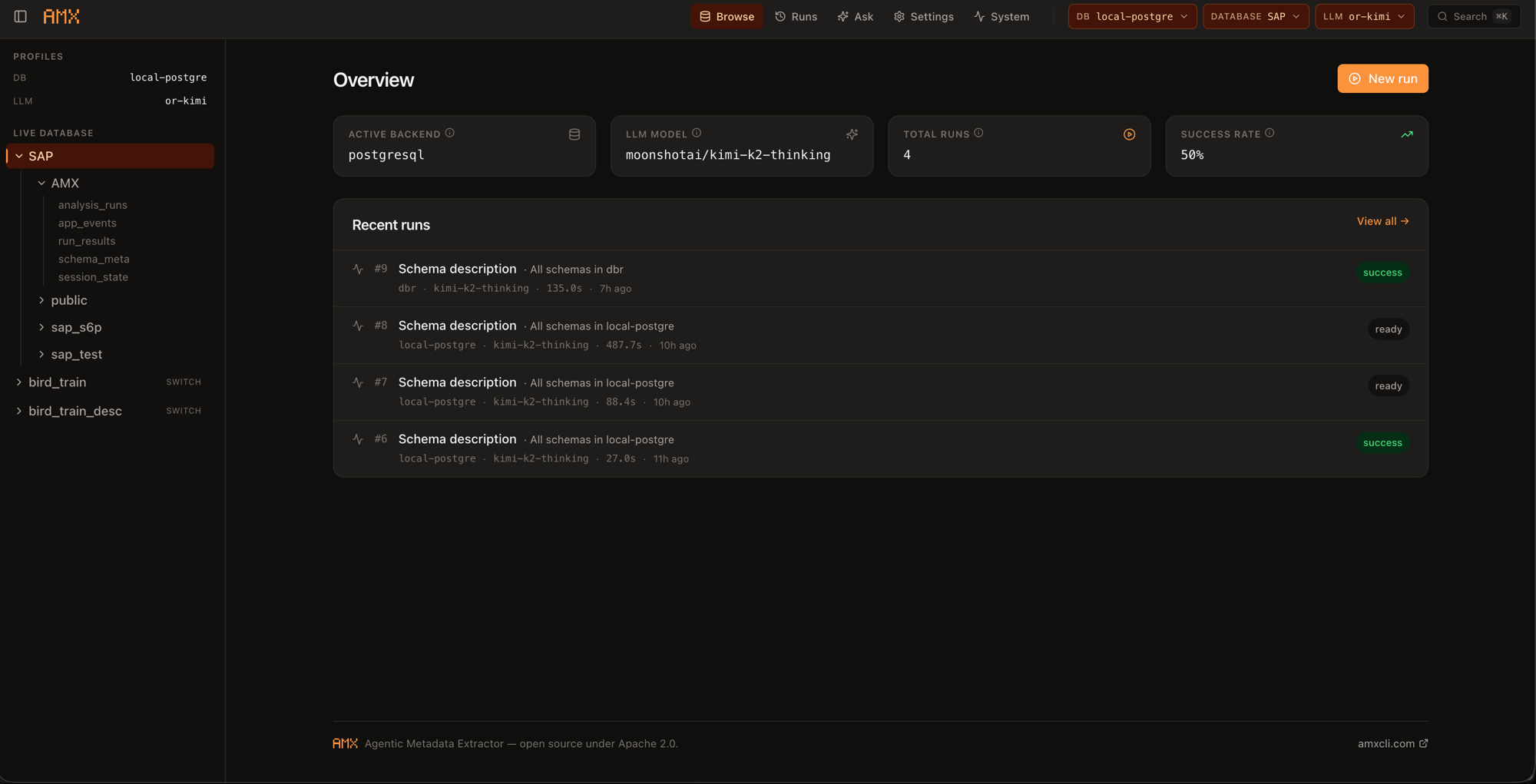
Drive AMX from the terminal with slash commands — /setup, /run, /apply, /ask — or open the local Studio for a clickable review. Same runs, same review queue, same audit trail.
CLI Interactive session — slash command palette, dynamic config, and the review wizard.
Studio Local web UI — overview dashboard, recent runs, and the pending review queue.
Why AMX
The pain
Most AI metadata tools work column-by-column, schema-only — you approve generic suggestions one at a time, with no project context. Combining database + documentation + codebase evidence with a structured human review is rare; doing all four with native COMMENT ON write-back is rarer still.
The angle Database + documentation + codebase + human review, run together. Drafts in batches with confidence scores, written back as the SQL your warehouse already speaks. Whole-warehouse first-pass in minutes, not weeks.
Ask it
Open a session with /ask and chat with the catalog you just built: what joins to customer?, any columns missing descriptions?, what does x_legacy_status mean?, which tables haven't been touched in 90 days?. Plain English in, grounded answers out — every response cites the exact catalog rows the LLM read, so you never get a fabricated column name back.
Self-hosted AMX runs entirely in your environment. No SaaS account, no data leaves your network, bring-your-own-LLM — including local models (Ollama, vLLM, LM Studio). The compliance question collapses to nothing leaves your perimeter: schema names, sample values, generated descriptions, the audit trail — all stay where you started. Released under the Apache License 2.0 — free for any use, including commercial.
Five minutes to your first reviewed description.
Install from PyPI, run amx, walk through the /setup wizard. The fastest way to evaluate.
pip install amx-cli